Free Trial
FlowPro NG Enterprise
Free for 14 Days
Enterprise
What the Trial Includes
- 14 Days
- The full Enterprise license for two weeks
- Enterprise License
- All 25 modules unlocked
- Unlimited Agents
- No limit on endpoints or data sources
- No Credit Card
- An e-mail address for verification is enough
Free
Included in all plans
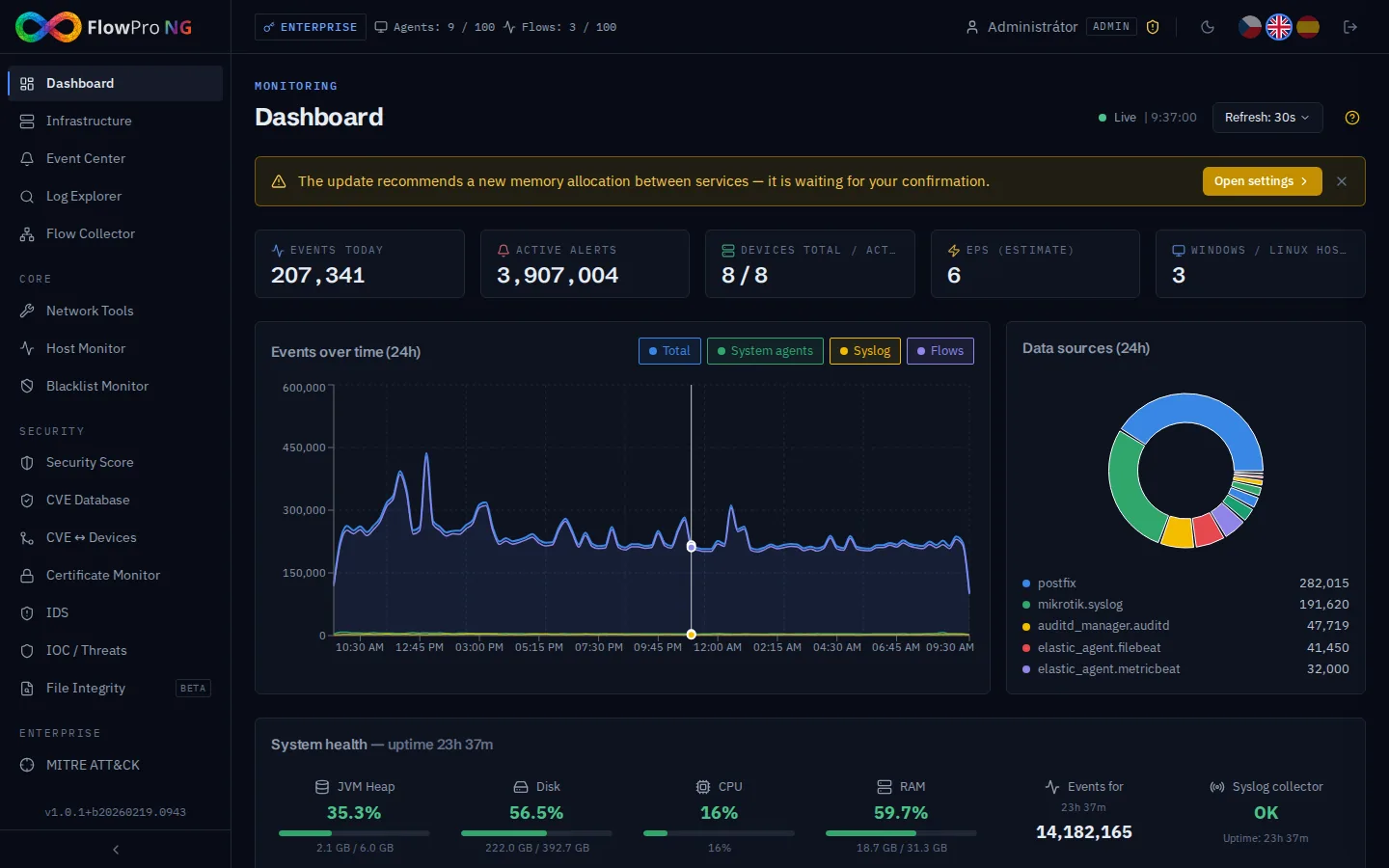
- Dashboard
- Log Explorer
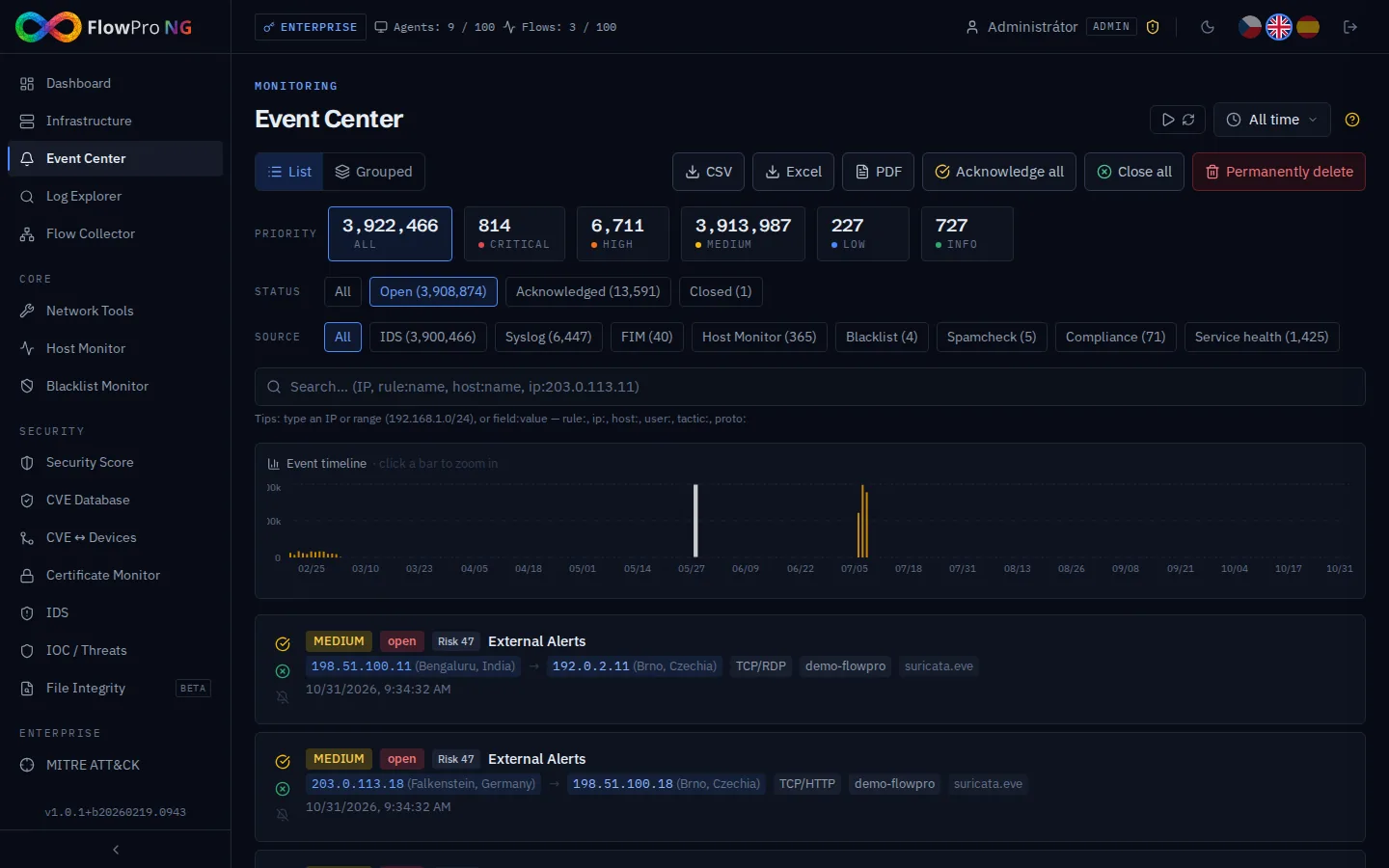
- Event Center & Alerting
- Asset Inventory
- Flow Collector (NetFlow/sFlow/IPFIX)
Core
Core and above
- Network Tools Suite (12 utilities)
- VPN Pilot
- Uptime Monitor
- Blacklist Monitor (DNSBL)
Security
Security and above
- Security Score
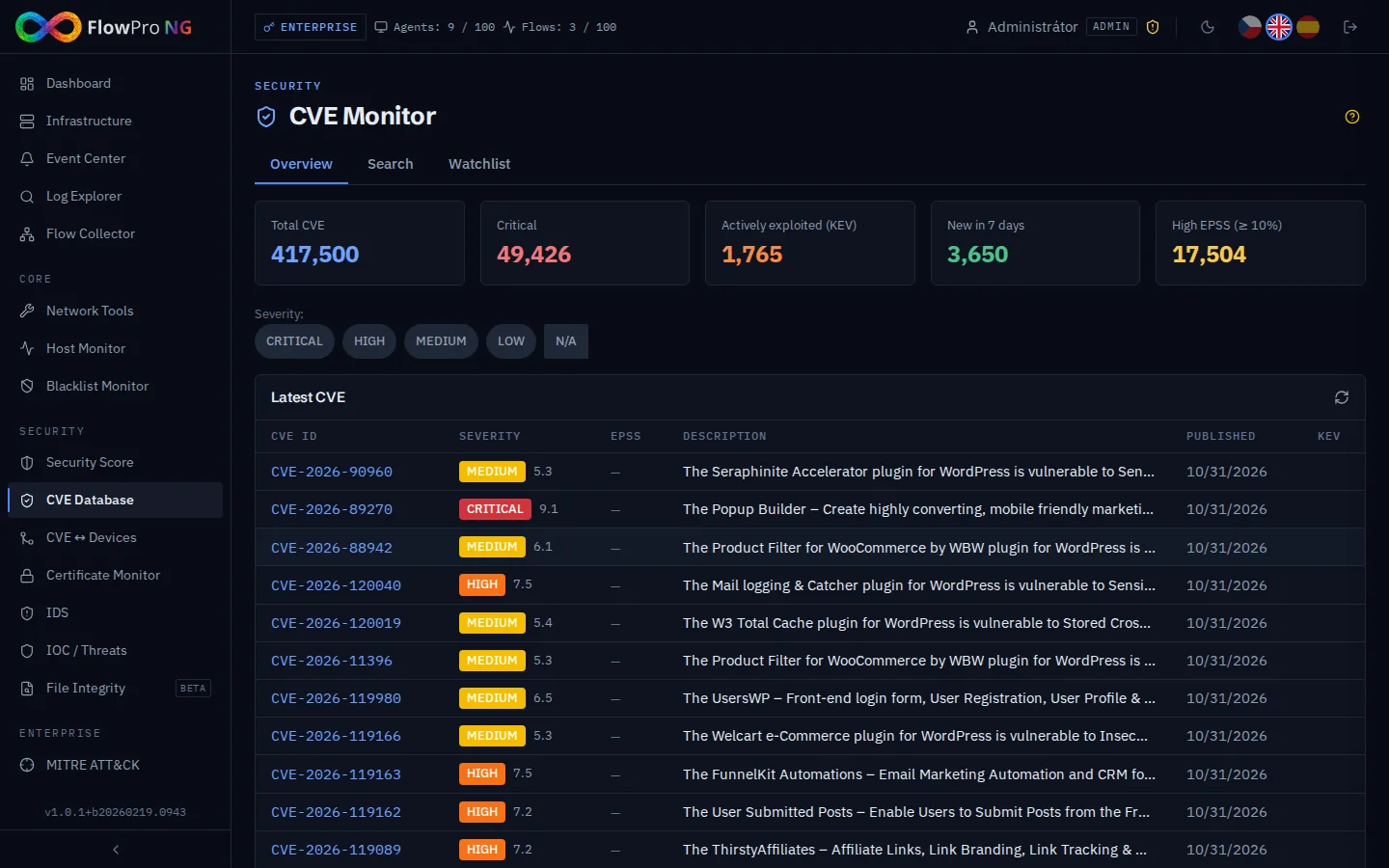
- CVE Monitor (333,000+ entries)
- CVE ↔ Assets
- Certificate / PKI
- IDS (Suricata)
- Threat Intelligence (IoC)
Enterprise
Enterprise
- AI Security Analysis (LLM)
- MITRE ATT&CK
- Passive DNS
- Honeypot (T-Pot)
- Shodan Monitor
- NIS2 Compliance (6 frameworks)
- NIS2 Compliance AI Chat (RAG)
Requirements
System Requirements
- 4 CPU cores
- 16 GB RAM
- 100 GB SSD
- Ubuntu 26.04 LTS / 24.04 LTS
- 1 Gbps network, public IP
- 8+ CPU cores
- 32+ GB RAM
- 500+ GB NVMe SSD
- Ubuntu 26.04 LTS / 24.04 LTS
- 1 Gbps+, dedicated server or VM
| Port | Protocol | Description |
|---|---|---|
| 22 | TCP | SSH — remote management |
| 80 | TCP | HTTP — Let's Encrypt verification |
| 443 | TCP | HTTPS — web UI + API |
| 514 | TCP/UDP | Syslog — MikroTik / network devices |
| 8220 | TCP | Fleet Server — Elastic Agent enrollment |
| 12051 | UDP | NetFlow — Flow Collector (configurable) |
Installation
Installation in Four Steps
- 1
Prepare Server
Install Ubuntu 26.04 LTS or 24.04 LTS
Start with a fresh Ubuntu 26.04 LTS (recommended) or 24.04 LTS, Server edition. This can be a bare-metal server, a full virtual machine (Proxmox, VMware, Hyper-V, KVM) or a cloud instance (AWS, Azure, GCP). LXC / OS-level containers (including Proxmox CT) are not supported.
- Use a full VM or bare metal, not an LXC / Proxmox CT container
- Select a minimal / server installation; no desktop environment is needed
- Set a static IP address during installation or later in netplan
- Create a DNS A record pointing your domain to the server IP
Important: do not use the username flowpro
When creating the Linux login user during Ubuntu installation, choose any name other than
flowpro(e.g. admin, ubuntu, your name). The flowpro account is reserved by the FlowPro NG application and a collision will break file ownership and permissions during installation.Update the system
SSH into your server and run:
$ sudo apt update && sudo apt upgrade -yVerify network access
Ports 80 and 443 must be open on your firewall / cloud security group; Let's Encrypt needs them to issue the SSL certificate. Port 8220 must be reachable for Elastic Agent enrollment.
- 2
Install FlowPro NG
Add the APT repository and install
Run the one-line installer that adds our APT repository and installs all packages:
$ curl -fsSL https://repo.net-service.io/flowpro/install.sh | sudo bashThis installs 6 packages: flowpro-server, flowpro-backend, flowpro-frontend, flowpro-kafka, flowpro-geoip and flowpro-nfacctd. The optional honeypot (flowpro-honeypot) is installed separately.
Run the setup wizard
After installation, run the interactive setup wizard:
$ sudo flowpro-setupThe wizard has 6 steps:
- 01Data storage — optionally use an additional disk for the data; without one the step is skipped
- 02Domain (FQDN) — e.g. siem.example.com, used for the SSL certificate
- 03Timezone — e.g. Europe/Prague, for correct timestamps
- 04Let's Encrypt certificate — a free trusted certificate; otherwise a self-signed one is created
- 05E-mail for Let's Encrypt — for certificate expiry notices, asked only if you chose Let's Encrypt
- 06Admin password — password for the admin account of the web interface
Everything else is configured automatically: Elasticsearch, PostgreSQL, ClickHouse, Kafka, Nginx, Fleet Server and more. The setup runs in 15 phases (A–O), plus a data disk phase if you chose one, and takes approximately 5–10 minutes.
ssh · flowpro-setup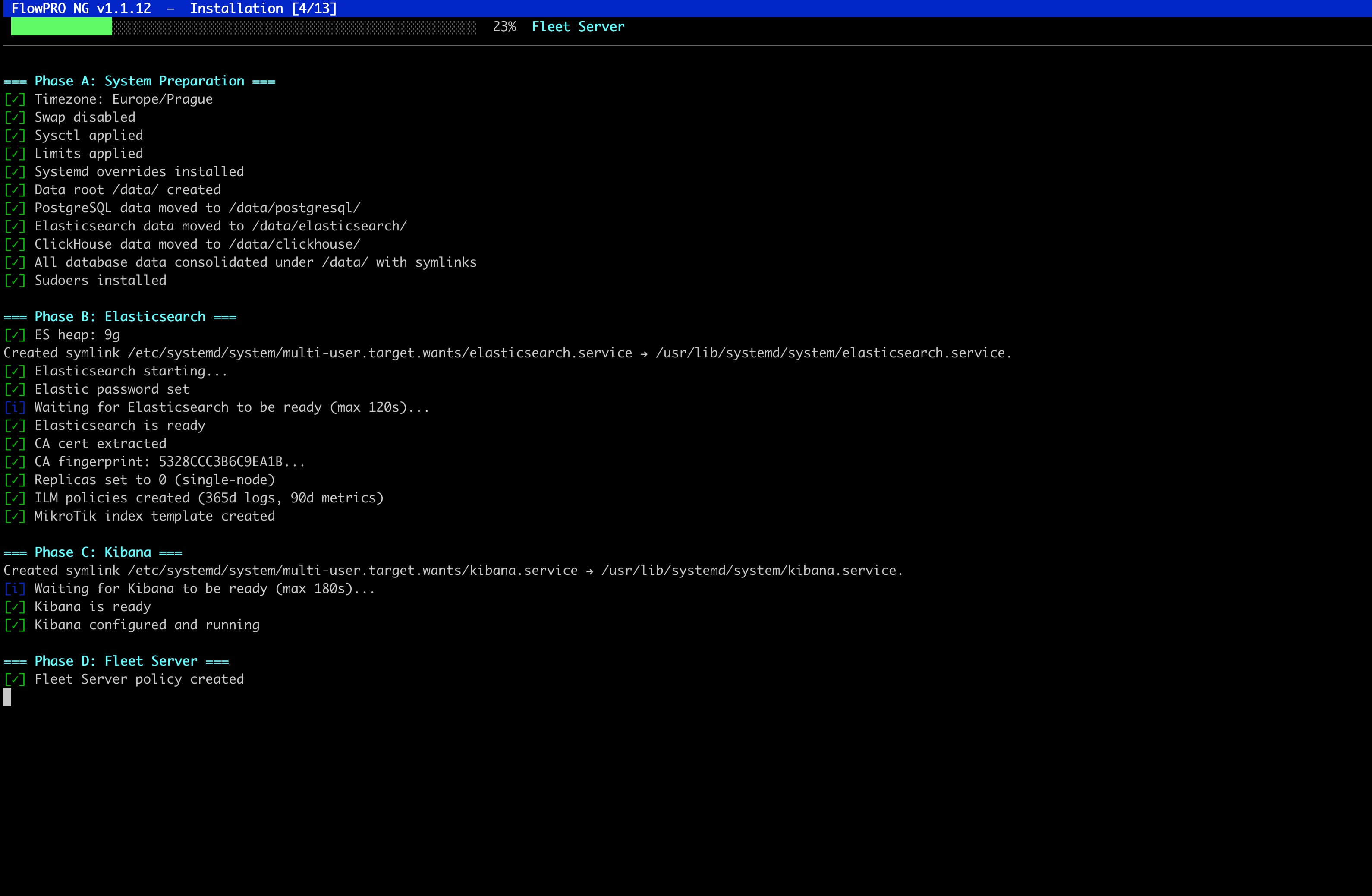
- 01
- 3
First Login and Trial Registration
Open the web interface
Open your browser and navigate to:
https://<your-domain>/Log in with username admin and the password you set during setup.
Register for the trial
After the first login, a setup dialog appears. Choose "Start Free Trial" and fill in:
Company nameYour nameE-mail addressPhone numberflowpro.local/setup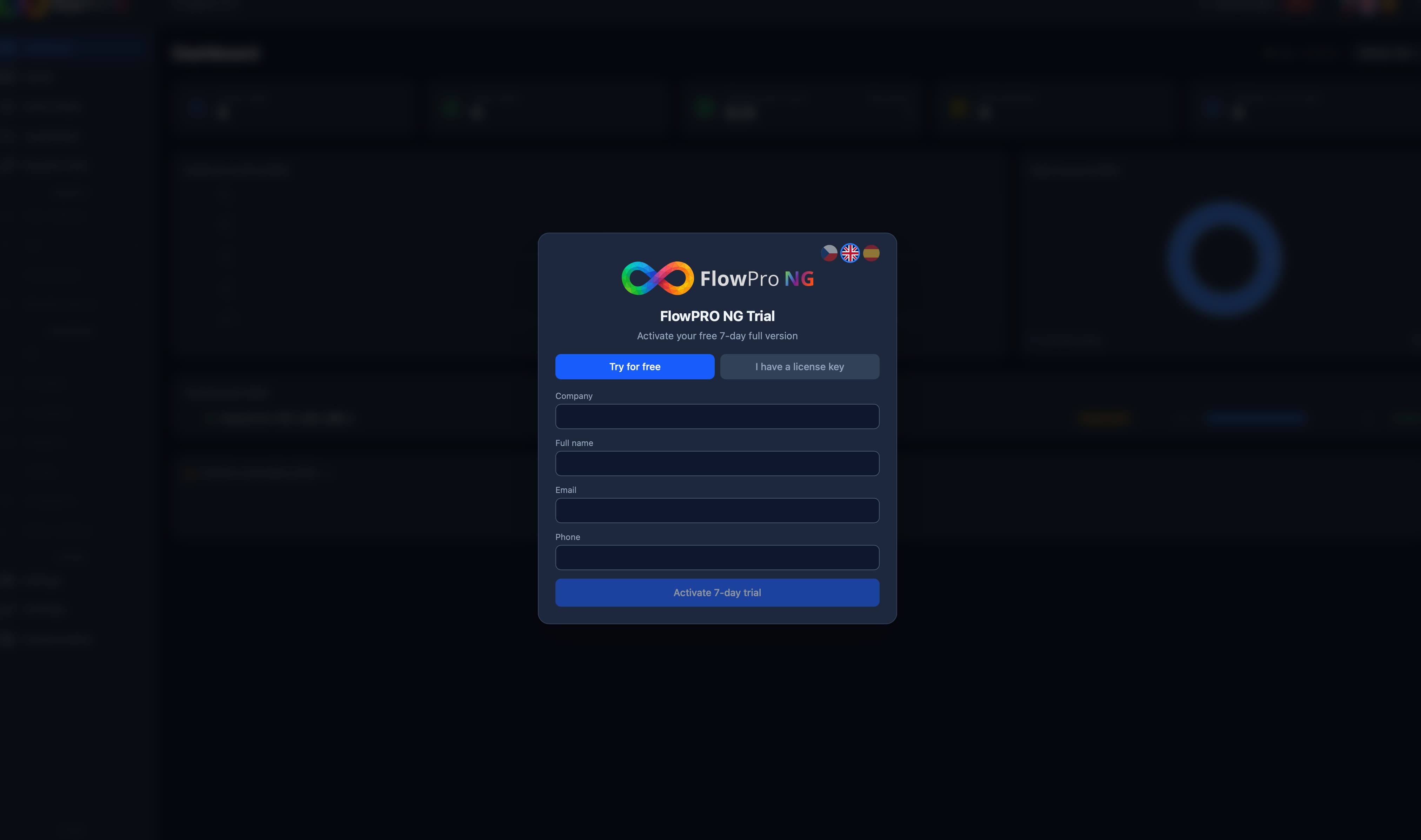
E-mail verification
A 6-digit verification code is sent to your e-mail. Enter it within 15 minutes; if needed, you can request a new code after 60 seconds. After successful verification the Enterprise trial is activated immediately.
flowpro.local/setup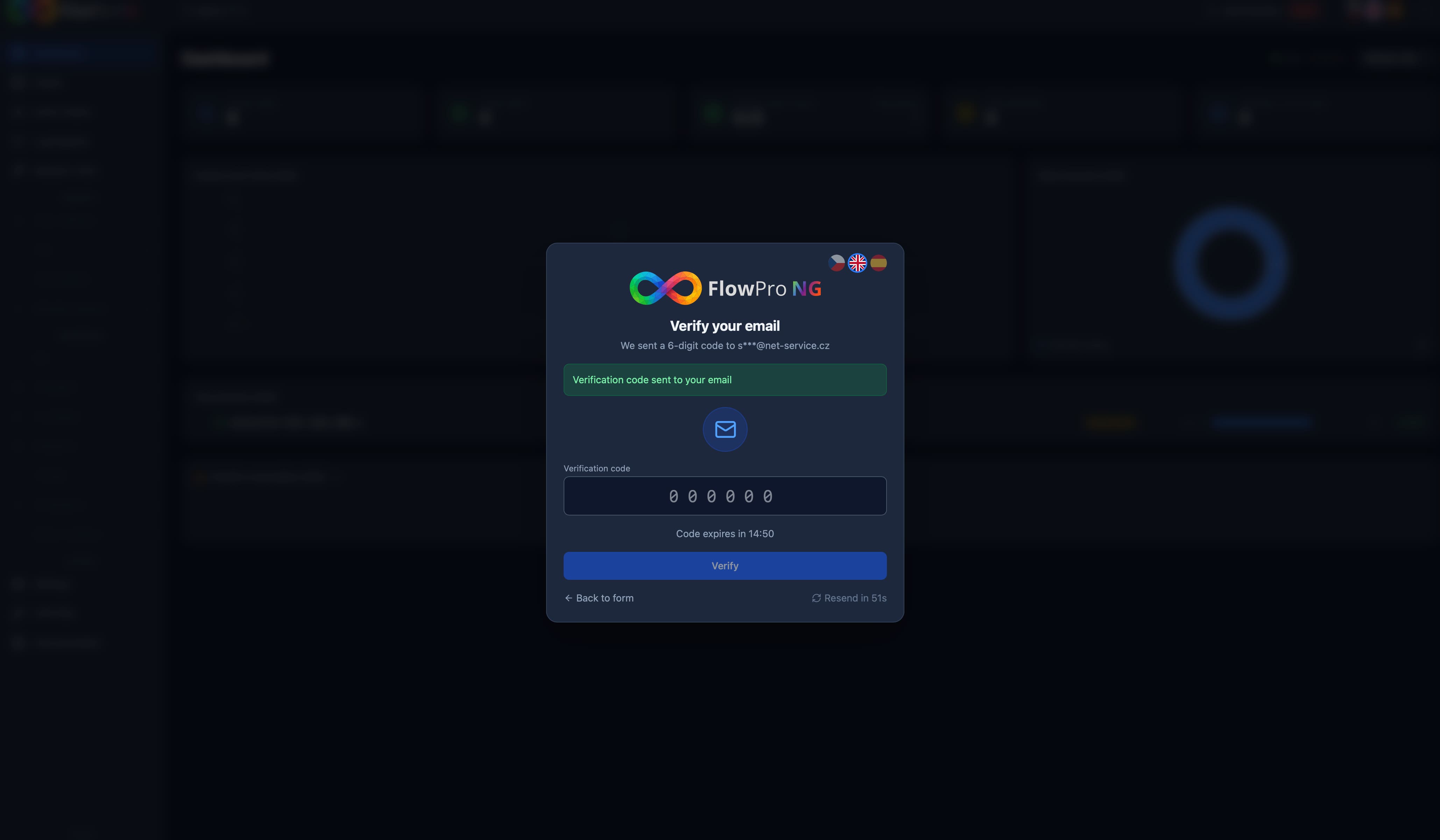
- 4
First Steps After Installation
Deploy Elastic Agents
Install agents on your endpoints (Linux, Windows, macOS) to start collecting logs and telemetry.
Configure Syslog / NetFlow
Point your MikroTik routers or other network devices to send syslog (port 514) and NetFlow (port 12051).
Set Up Notifications
Configure Telegram, Slack, email, or webhook notifications in Settings → Notifications.
Check the Dashboard
Make sure data is arriving. The Dashboard shows the live event timeline, source health and alert trends.
Detailed guides are in the built-in Documentation module, available from the sidebar in FlowPro NG.
FAQ