Network security
Network anomaly detection: spot suspicious traffic within a minute
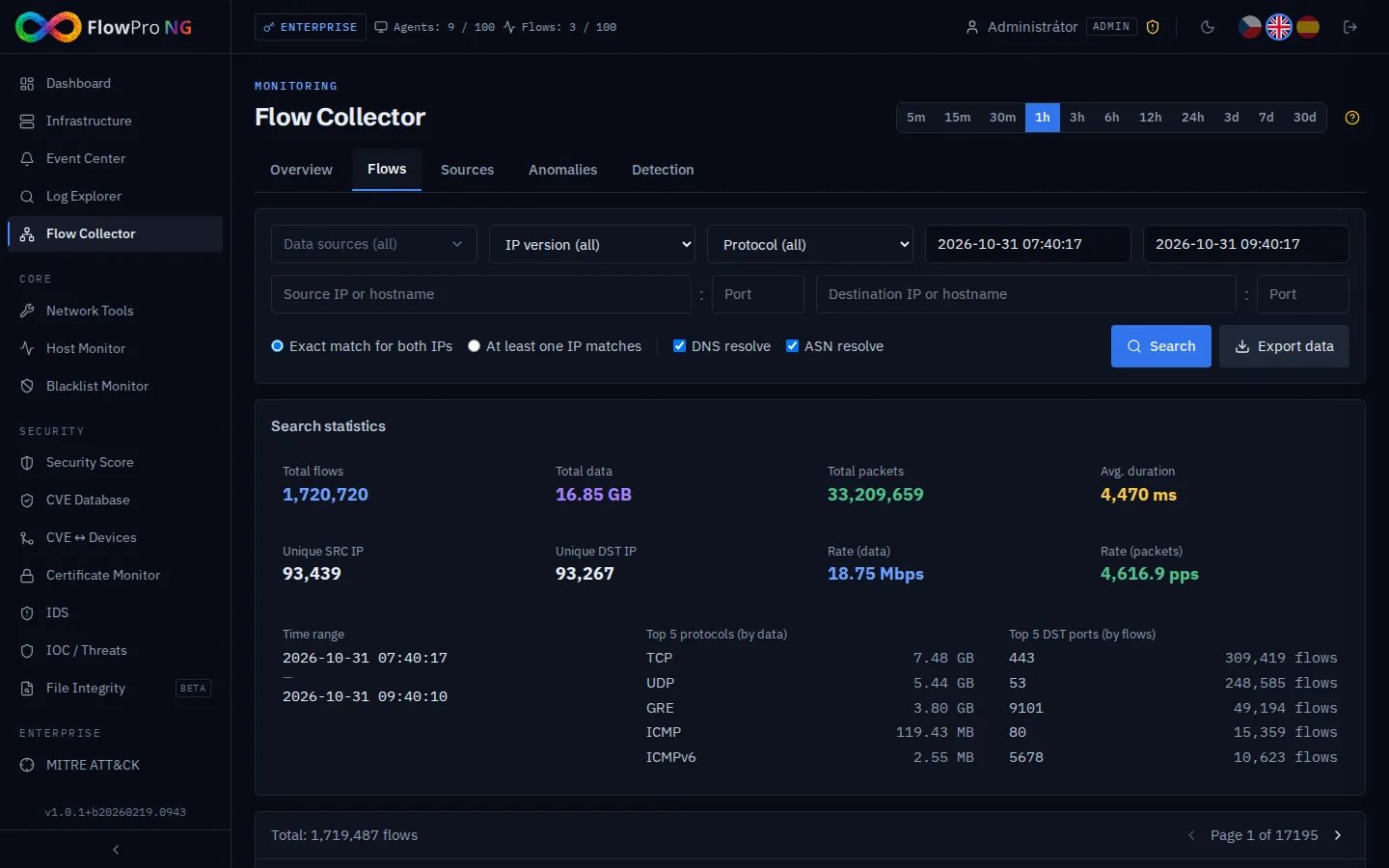
An attack on the network may leave no log. It always leaves a trace in the traffic.
An infected camera that calls the same server every few minutes. A workstation trying SMB and RDP on dozens of internal addresses at night. A server sending gigabytes of data out. None of it shows up in application logs, but it is plain to see in the flows.
You will not find anything by hand in millions of flows. Anomaly detection goes through them for you, compares them with the configured thresholds and shows only what deserves attention, with a severity level.
What you get
Network anomaly detection in FlowPro NG
Scans and reconnaissance
Horizontal and vertical port scans and bursts of failed connections (TCP RST). Catches both an outside attacker and an infected workstation mapping the internal network.
Floods and amplification attacks
SYN, UDP and ICMP floods, DNS amplification and amplification via NTP, SSDP and Memcached. You see who is targeted and where the traffic comes from.
Exfiltration and covert channels
Unusually large outbound volume from a single address, DNS tunnels (many DNS flows with large packets) and ICMP tunnels (pings with unusually large payloads).
Attacker inside the network
Beaconing (connections at regular intervals with constant size, typical of malware command-and-control), lateral movement over SMB, RDP, SSH and WinRM, brute force against SSH, RDP, FTP and Telnet.
Crypto mining, risky countries, after hours
Traffic on typical mining pool ports, traffic to risky countries by GeoIP and unusual activity outside working hours (22:00–06:00).
Thresholds, severity and whitelist
Turn each detection on or off and set its threshold and the limits for medium, high and critical severity. Add a backup server or monitoring probe to the whitelist so it does not cause false positives.
- NetFlow v5
- NetFlow v9
- IPFIX
- sFlow
- ClickHouse
- GeoIP
- DDoS
- SMB
- RDP
- SSH
- WinRM
- DNS
- NTP
- ICMP
How it works
Up and running in a few steps
- 01
Install FlowPro NG
On an Ubuntu 24.04 server with one command from the APT repository. The flow collector and anomaly detection are part of every license, the free one included.
- 02
Send flows from your router
On the router or firewall, turn on NetFlow, IPFIX or sFlow export to the FlowPro NG address (UDP port 12051).
- 03
Detections run every minute
All 17 detections start with default thresholds. Findings appear on the Dashboard and in the Anomalies tab of the Flow Collector, including a map of sources and destinations.
- 04
Tune it to your network
In the Detection tab, adjust thresholds and severities and fill in the whitelist. Every network is different, and a few changes in the first days cut false positives significantly.
FAQ
Frequently asked questions
What is network anomaly detection?
What is the difference between anomaly detection and IDS?
Can FlowPro NG detect a DDoS attack?
How do I reduce false positives?
Is anomaly detection free?
Related solutions
Try it on your own network
The 14-day Enterprise trial unlocks every module. You install it on your own server, no credit card needed.