Contents
How many servers and workstations do you have on your network? And on how many of them do you know exactly what software runs, in which version, and whether it is waiting for a security patch? For most companies the honest answer is "roughly" — and that "roughly" is the blind spot attackers look for first.
What you don't know can hurt you
The vast majority of successful attacks use nothing exotic. They exploit a known vulnerability in known software that has had a fix for ages — one that nobody applied, because nobody knew that package was running on that server. On top of that come three quiet problems: a forgotten administrator account, a port exposed to the network by mistake, and an operating system that has reached end of life and no longer receives fixes.
They have one thing in common: they are invisible until someone actively looks for them. A spreadsheet goes stale the moment you finish it. A manual audit captures the state on a single day of the year. And in between, new versions, new users and new services keep appearing.
From a list to a decision
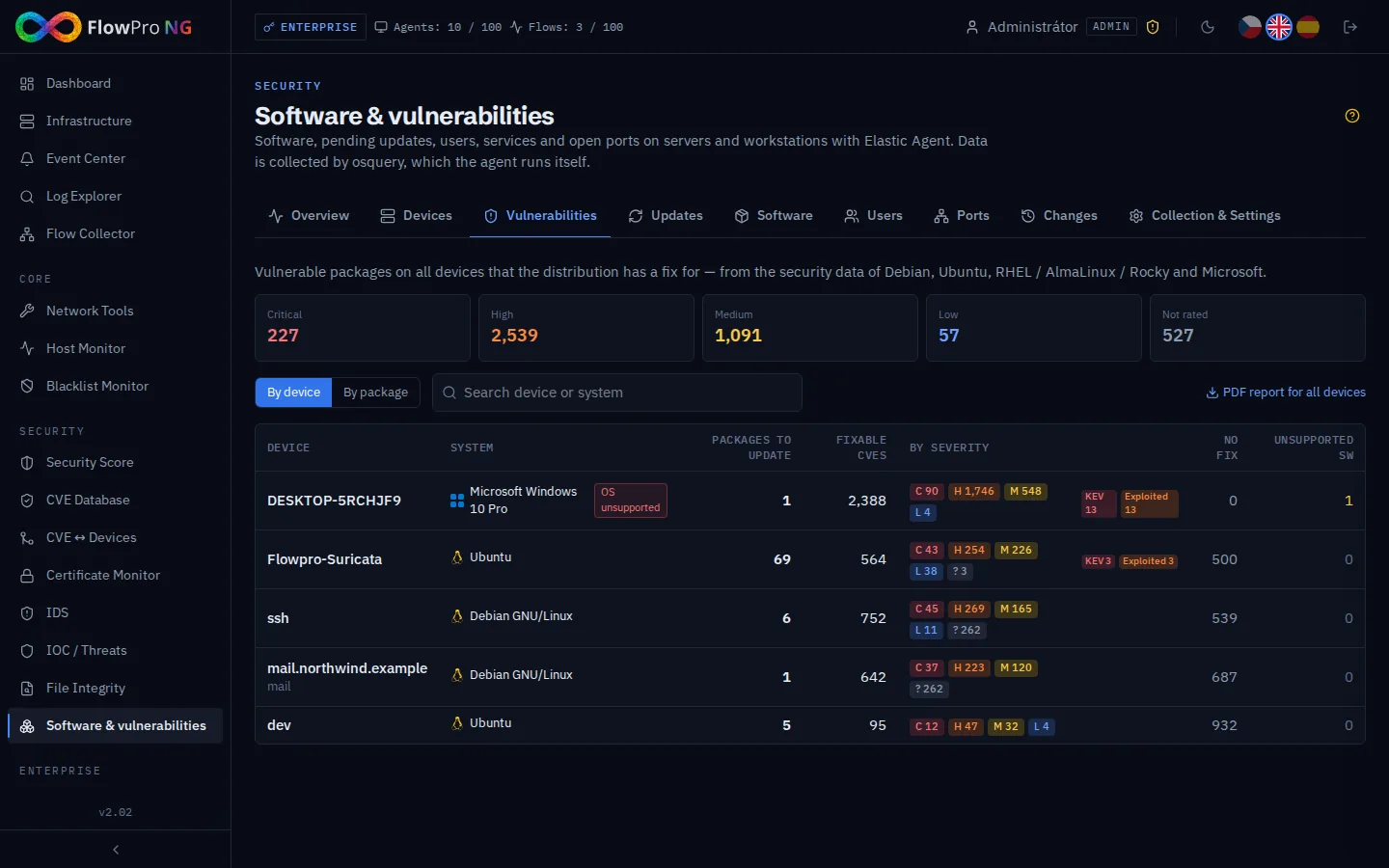
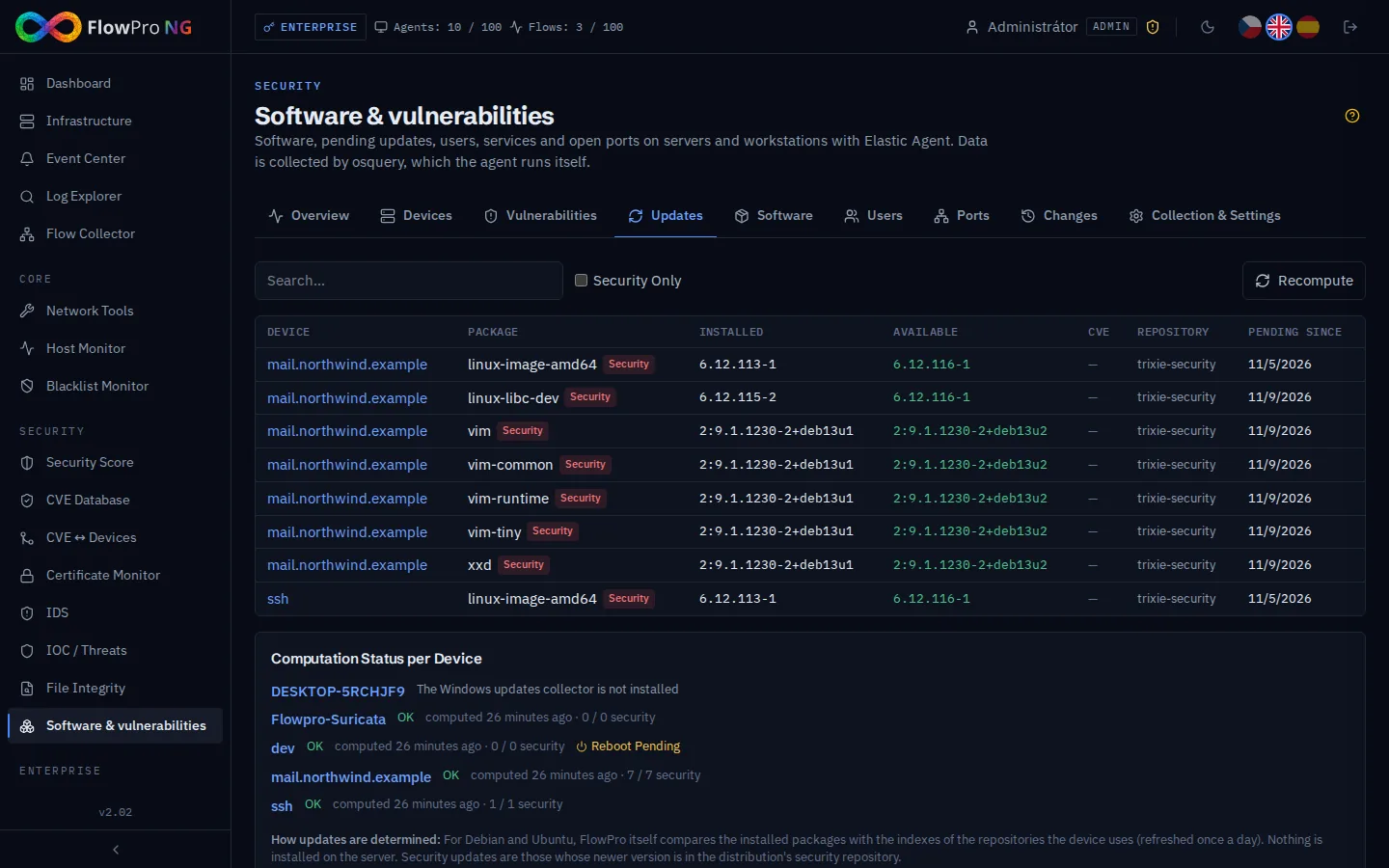
A list of software on its own is useful, but the real value comes from pairing it with what needs to be fixed. When you know that a vulnerable version of a library runs on twelve servers and the distribution has already issued a security update for eight of them, the risk stops being abstract and becomes a concrete, bounded task.
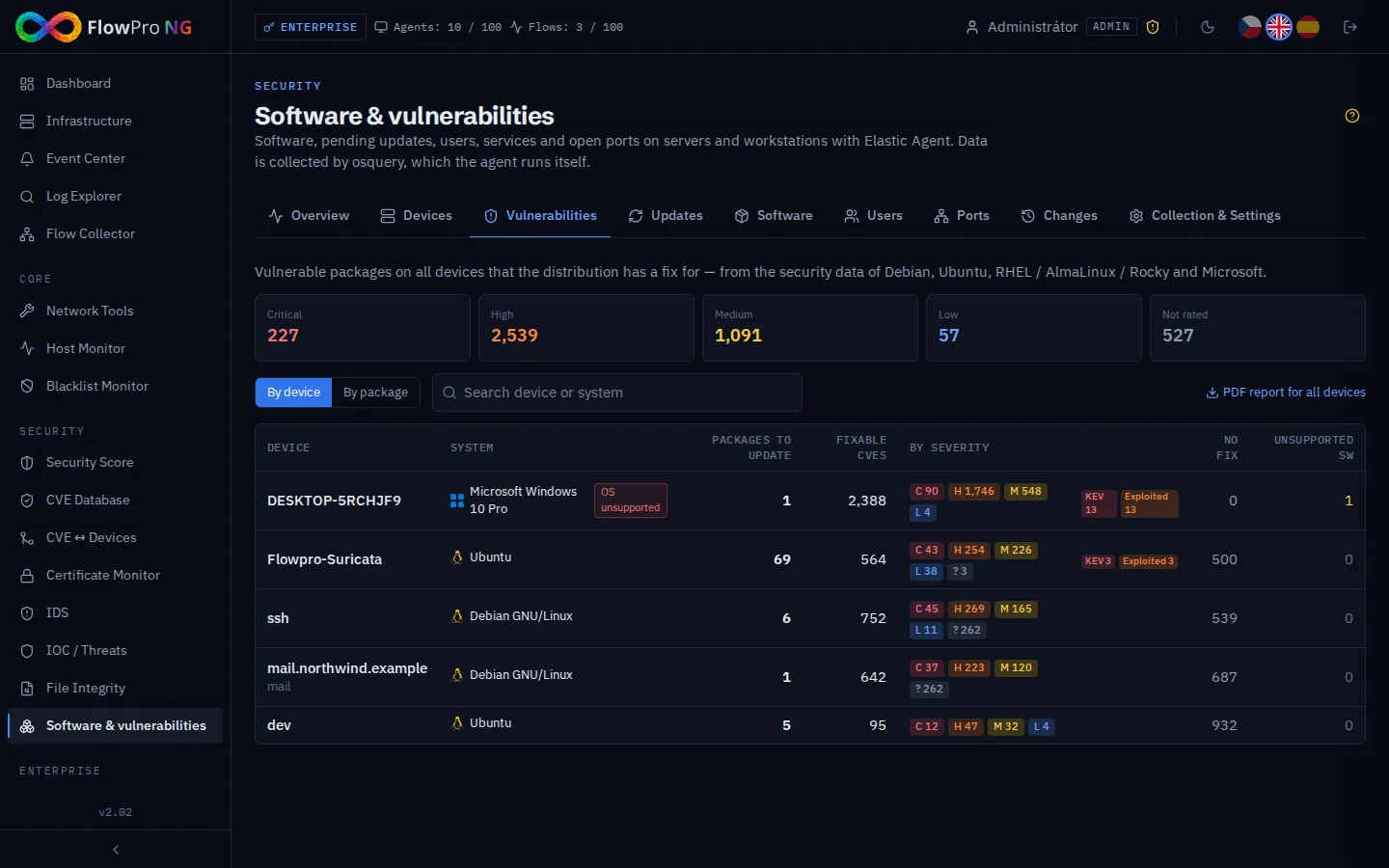
This is where you decide what to do first. A device with pending security updates has a different priority than one that is simply missing routine packages. An out-of-support system is a long-term risk that a patch won't solve — it needs an upgrade plan. And a vulnerability that attackers are actively exploiting cannot wait for the next maintenance window.
Why most companies don't do it (yet)
The reason is usually mundane: the cost of adoption. Classic endpoint-management tools mean another agent on every machine, plus its operation, updates and exceptions. Scripts in turn need maintenance and only cover whatever someone remembered. The result is that software visibility gets put off "until later" — which never comes.
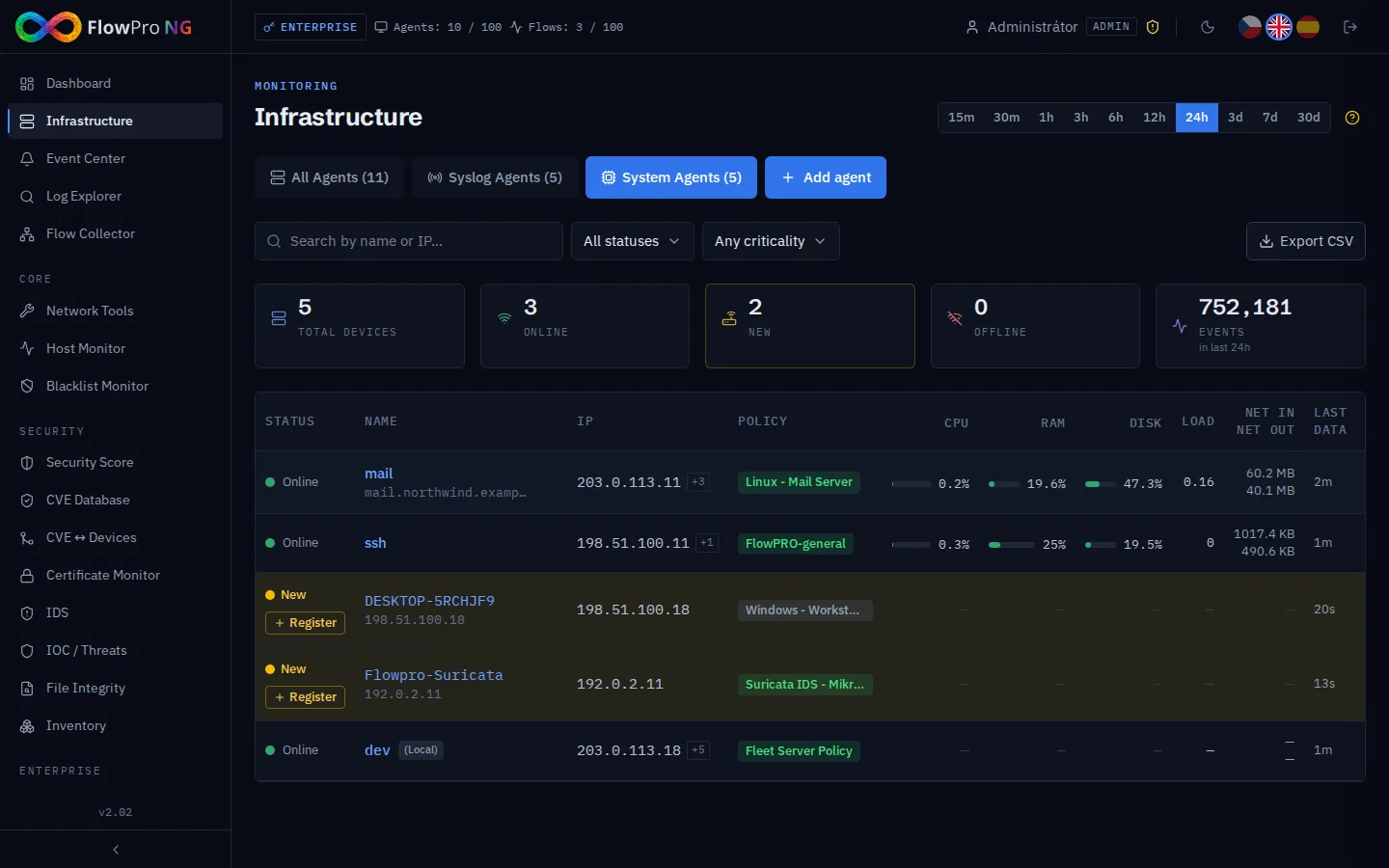
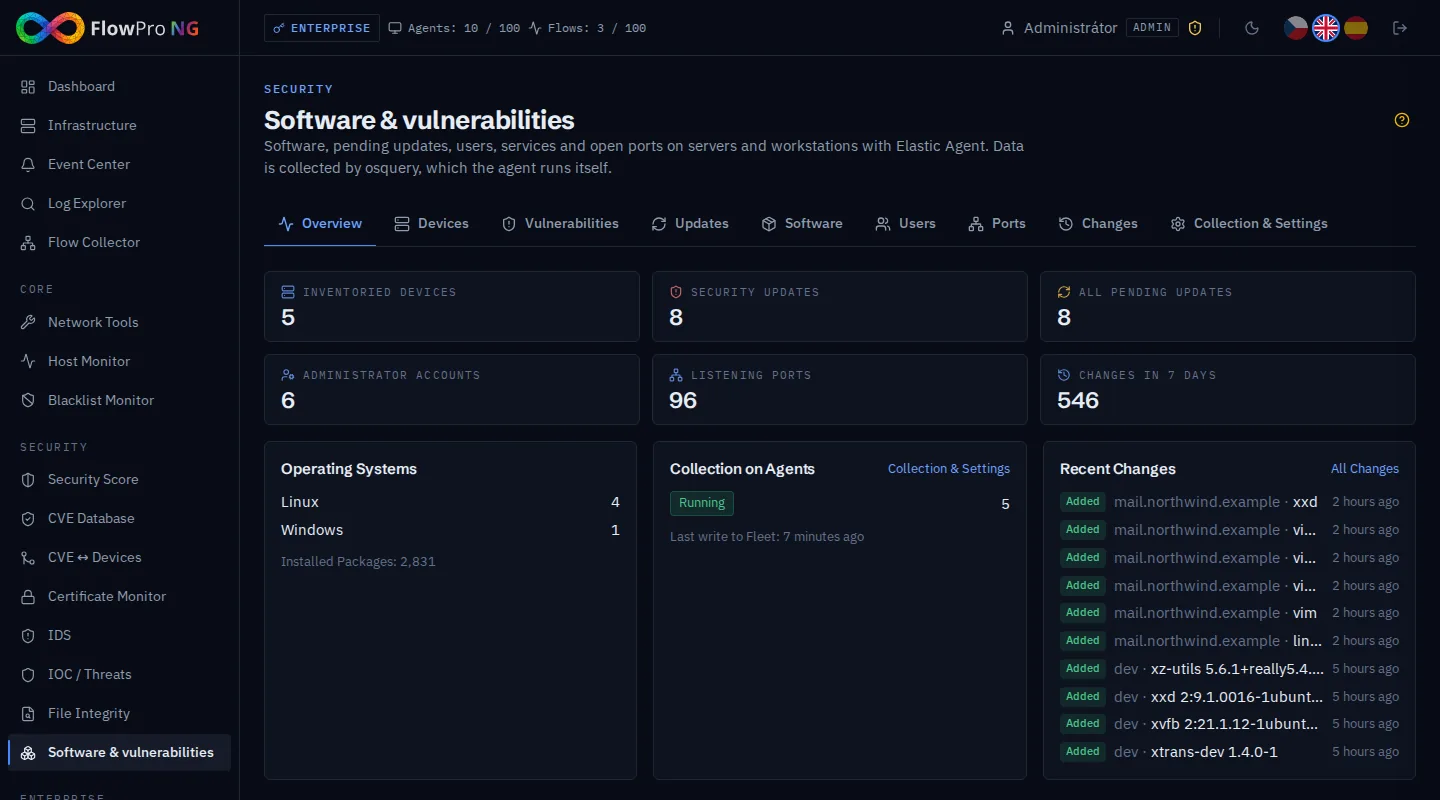
FlowPro NG takes a different route. It collects the inventory with osquery, which is already part of Elastic Agent — the agent you use on servers and workstations to gather logs and metrics. That means nothing new is installed on the device, agents are not restarted, and with a Security licence collection turns itself on. The barrier that kept inventory on the back burner for years effectively disappears.
Not just security: audit and compliance
A view of your assets and their state is not only a security tool, it is also evidence for an audit. NIS2 and national cybersecurity laws require you to know what assets you have, track their vulnerabilities and manage updates. When an auditor asks "how do you manage vulnerabilities and patching?", there is a big difference between answering "we have a process for that" and being able to show, on the spot, a current list of devices, pending security updates and a history of changes.
Value day after day
The biggest benefit, though, is not a one-off scan. It is tracking change over time. FlowPro NG compares each new state with the previous one and alerts you when a new administrator account appears, a new listening port opens, antivirus protection disappears or a server requests a reboot after an update. Those are exactly the moments when normal operation turns into an incident — and when it matters whether you find out in a minute or in a month.
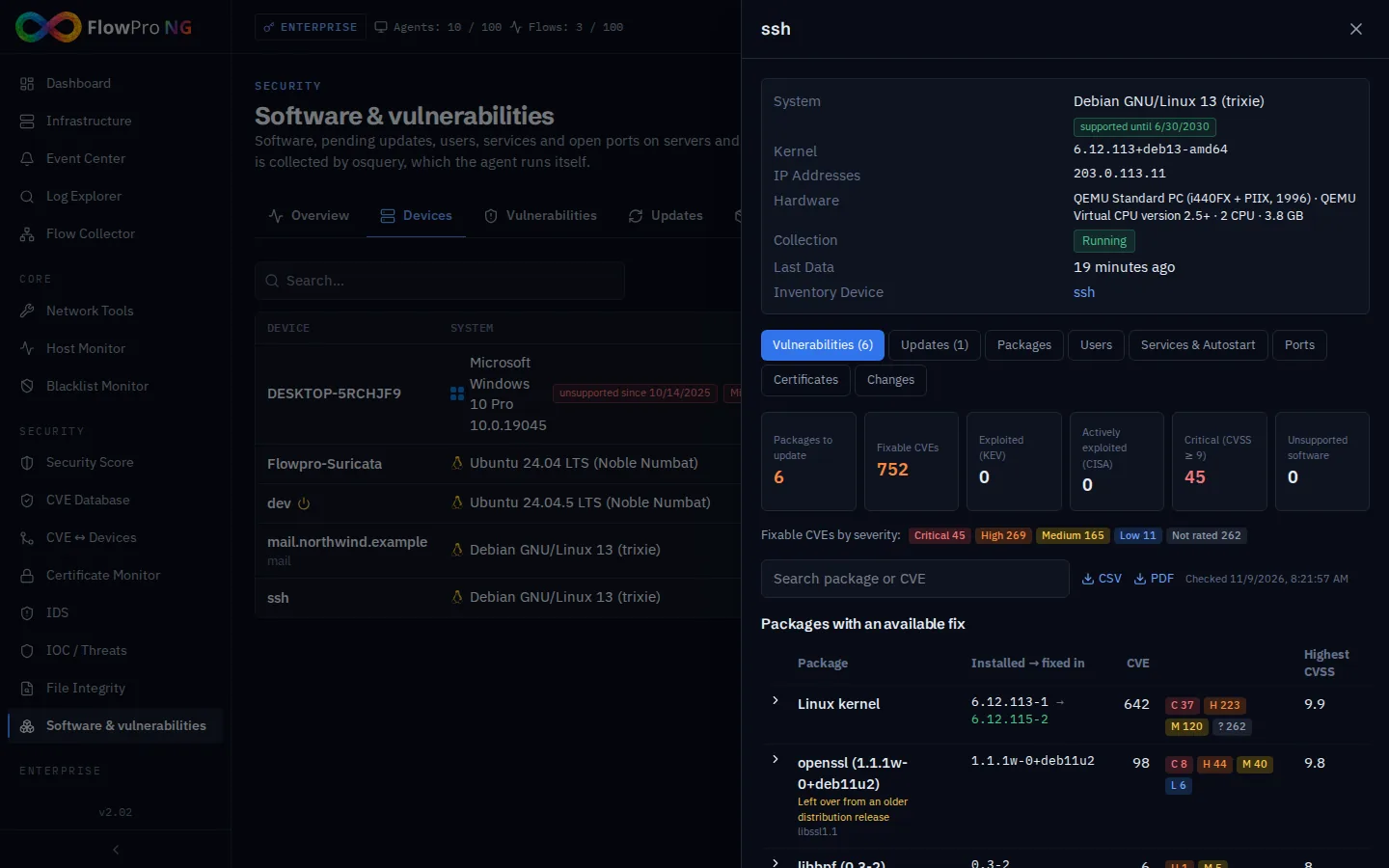
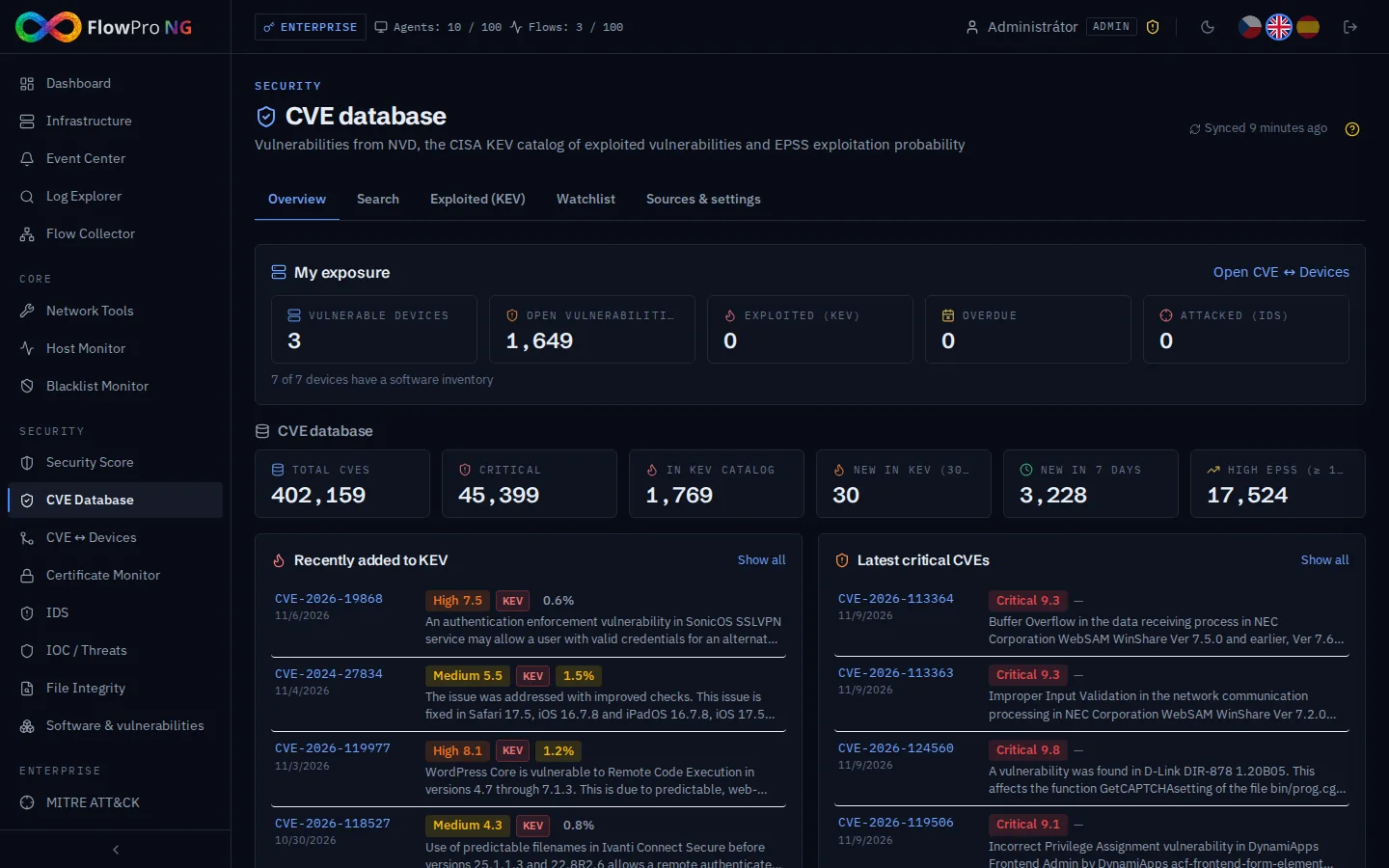
The results also feed the rest of FlowPro NG: the security score, the NIS2 checks, the CVE ↔ Devices module and the Event Center. The inventory is therefore not an isolated list but the foundation that risk prioritisation across the whole platform stands on.
Where to start
If you already run Elastic Agent on your servers and workstations, you are halfway there — the Software and vulnerabilities module just needs switching on. How exactly the collection works, everything it discovers and how to set exceptions for sensitive servers is described in detail in the article Software and vulnerabilities.
Knowing what runs on your network and what needs fixing is one of the cheapest security investments you can make — because without it, every other investment is just a guess. You can try it in a 14-day trial with every module, or take a look at the Vulnerability management page.
- Inventář
- Zranitelnosti
- Aktualizace
- NIS2
- Správa aktiv