DocumentationDeployment
05
NetFlow Collector
NetFlow Collector
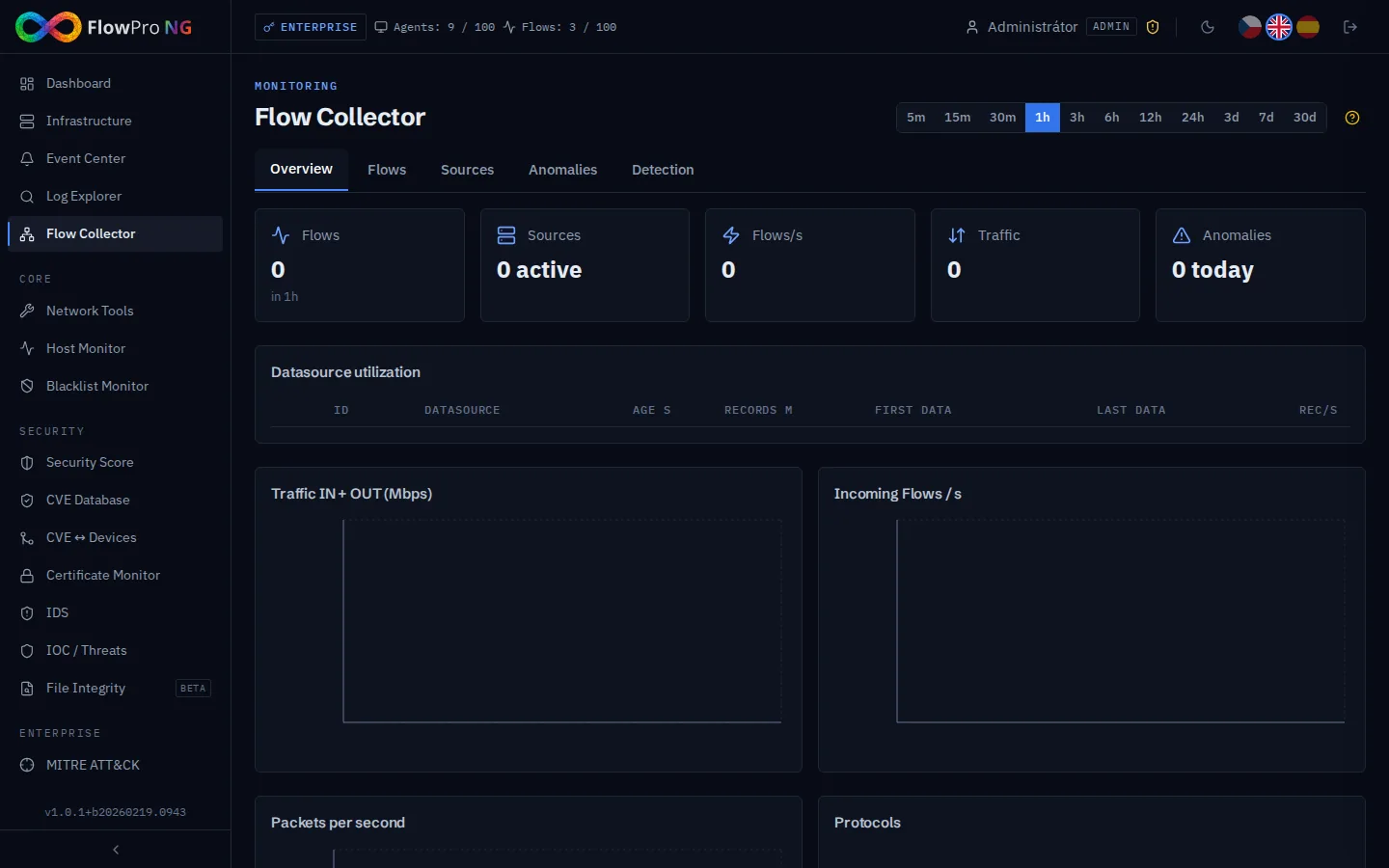
The NetFlow collector (nfacctd) receives network flow statistics on UDP port 12051 — source and destination IP addresses, ports, protocols, data volumes. This data is used for traffic analysis, anomaly detection, and visualization on the Flow Collector.
Replace YOUR_SERVER_IP in the commands below with the actual IP address of your FlowPro NG server.
FlowPro NG receives NetFlow/IPFIX data on UDP 12051 via the nfacctd collector. MikroTik Traffic Flow exports statistics about network traffic passing through the router.
1
Enable Traffic Flow
Connect to the router via WinBox or SSH and enable Traffic Flow:
routeros
/ip traffic-flow set enabled=yes interfaces=all active-flow-timeout=1m inactive-flow-timeout=15s
2
Add target (SIEM collector)
routeros
/ip traffic-flow target add dst-address=YOUR_SERVER_IP port=12051 version=9
3
Verify configuration
routeros
/ip traffic-flow print
/ip traffic-flow target print
4
Verify in SIEM
Open Flow Collector → Flows tab. Data should start appearing within one minute.
Use NetFlow version 9 (not v5). Version 9 supports IPv6, VLAN tags, MAC addresses, and flexible templates.