Contents
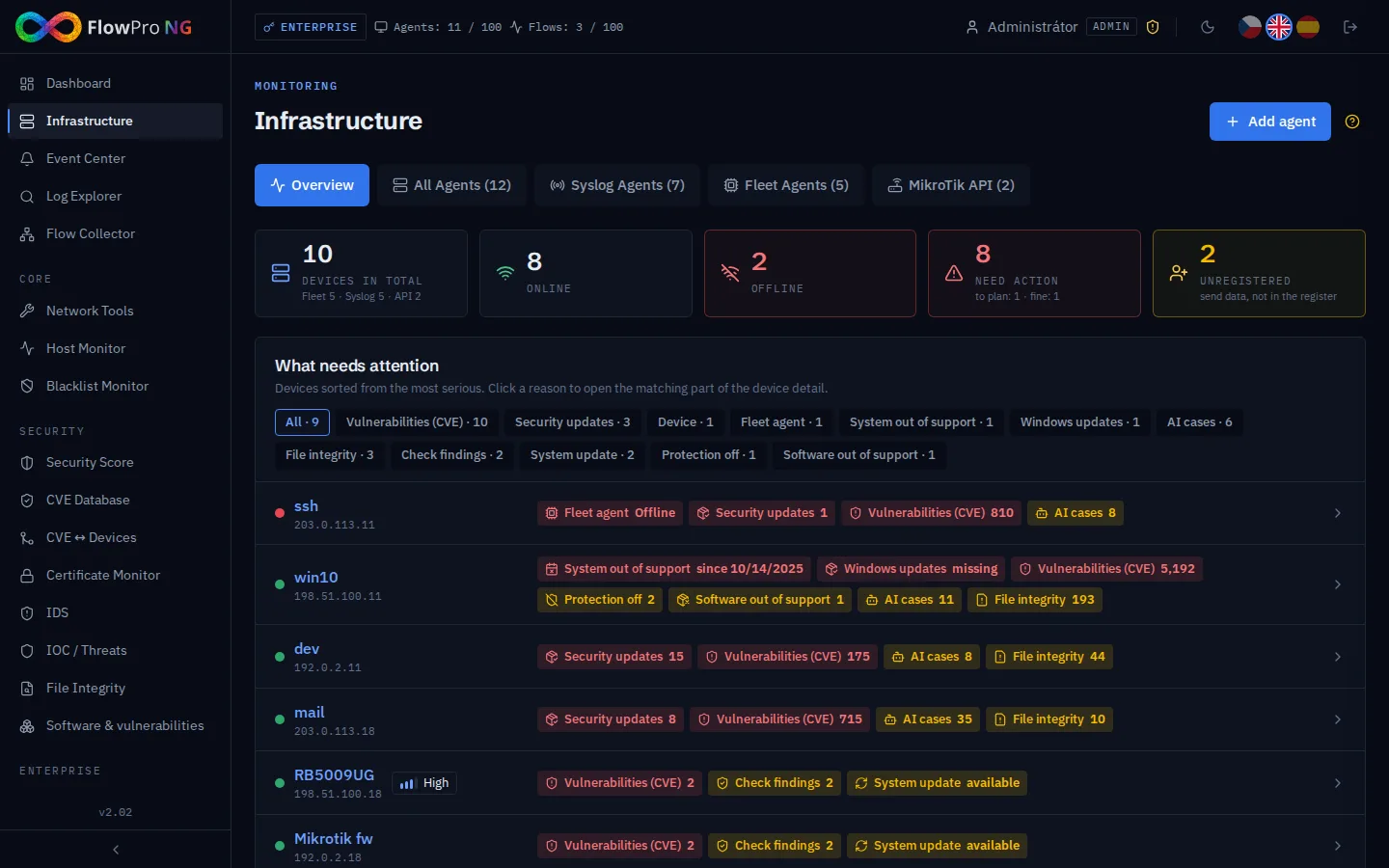
The video shows the whole installation of FlowPro NG 2.1 on a clean Ubuntu server: running the installer, the setup wizard, the first login and the activation of the trial. The long parts, where packages are downloaded and the system is set up, are fast-forwarded. In reality the installation takes 15 to 45 minutes, depending on the server and the connection speed.
Below is the same procedure as text, with the commands ready to copy. The requirements and the first steps after the installation are described in detail on the Free trial page.
What you need
- A server or a virtual machine with a clean Ubuntu 24.04 LTS or 26.04 LTS.
- At least 16 GB of RAM and a CPU with AVX2.
- Internet access and administrator rights (sudo).
- The full name of the server (FQDN) under which FlowPro NG will be reachable in the browser.
1. Run the installer
A single command checks the server, adds the repositories and installs all packages: Elasticsearch, ClickHouse, PostgreSQL, Kafka and FlowPro NG.
curl -fsSL https://repo.net-service.io/flowpro/install.sh | sudo bashDownloading and installing the packages takes a few minutes. At the end the installer reports that FlowPro NG is installed and that the next step is the setup wizard.
2. Start the setup wizard
sudo flowpro-setupThe wizard asks only for the essentials and works out everything else by itself:
- Data storage. If the server has a separate disk, the wizard offers to put the data on it.
- Domain. The full name of the server under which FlowPro NG will be reachable in the browser.
- Time zone. The region first, then the city.
- Certificate. Let's Encrypt needs a public address and port 80 open. Otherwise a self-signed certificate is created.
- E-mail for Let's Encrypt. Only if you chose Let's Encrypt.
- Administrator account. The administrator's e-mail is also the login name.
- Administrator password. At least 8 characters, entered twice.
Once you confirm the summary, the wizard sets up the databases, Fleet Server, the web interface, the firewall and the vulnerability database.
3. Log in
Open the server address in your browser and log in with the administrator's e-mail and the password you entered in the wizard. With a self-signed certificate the browser first shows a warning that you need to confirm.
4. Activate the license
After the first login choose the 14-day trial, or enter a license key. For the trial, fill in the company, name, e-mail and phone and confirm the code that arrives by e-mail. The trial unlocks the Enterprise license with every module.
What next
- Add agents to your servers and workstations.
- Point the syslog of your network devices at FlowPro NG (UDP 514).
- Turn on the NetFlow or IPFIX flow export to UDP 12051.
- Choose your notification channels in Settings.
How to connect the individual data sources is described in the guides Collecting logs from Linux and Windows, Syslog collection and NetFlow collection.
- Video
- Ubuntu
- flowpro-setup