DocumentationDeployment
08
Honeypot Deployment
Honeypot Agent Deployment
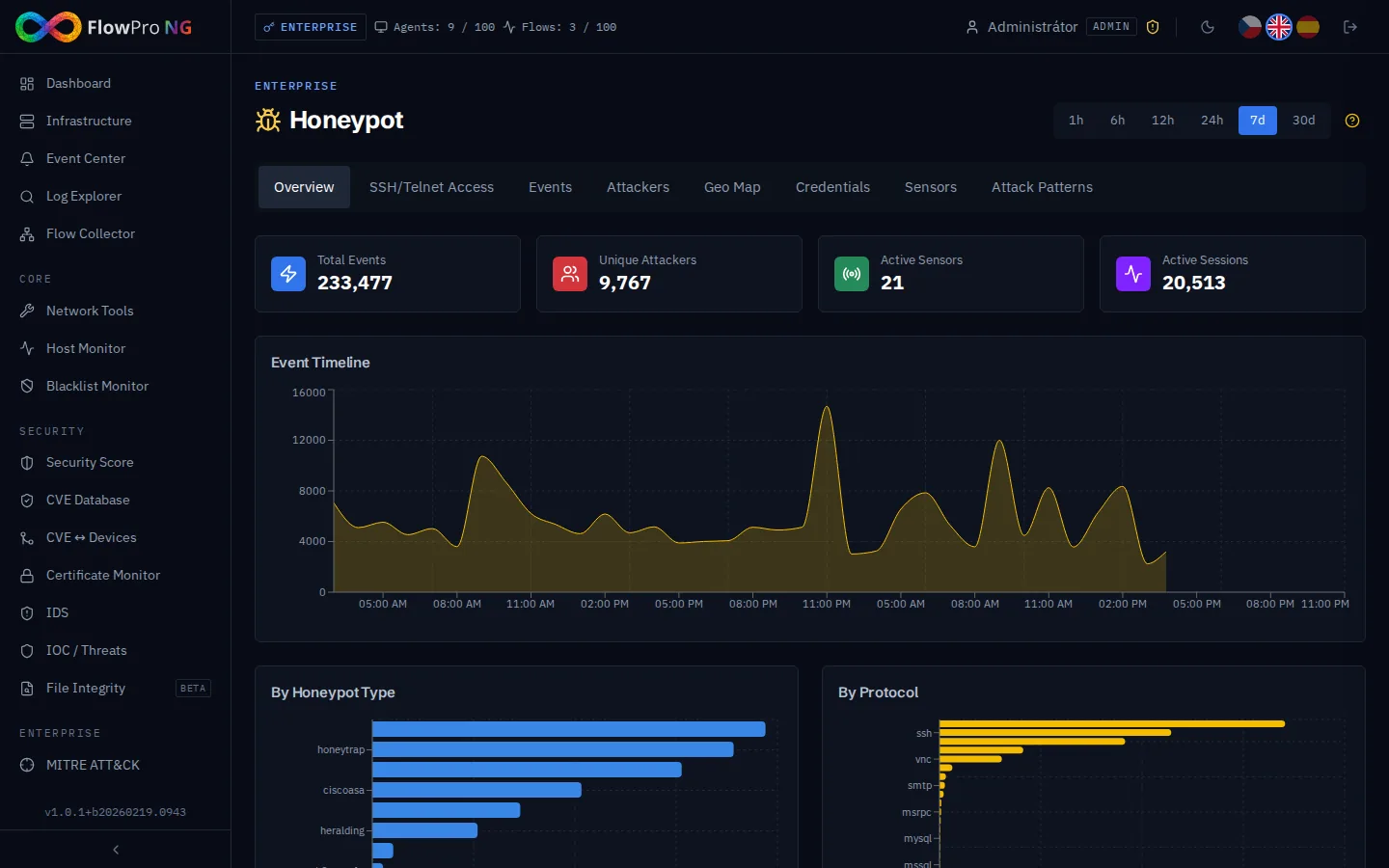
The flowpro-honeypot package installs an agent on a server running the T-Pot honeypot platform. The agent reads events from T-Pot's local Elasticsearch, normalizes them, and exposes them via a REST API (HTTPS, port 41874). FlowPro NG periodically polls the agent and displays the data in the Honeypot module.
1
Server requirements
OS: Ubuntu 24.04 LTS
RAM: minimum 8 GB (recommended 16 GB+)
Disk: minimum 40 GB
Access: root
2
T-Pot installation
The target server must have T-Pot installed (version 24.04+). If not yet installed:
bash
# T-Pot Standard installation (recommended)
# On a clean Ubuntu 24.04+ server
git clone https://github.com/telekom-security/tpotce
cd tpotce
sudo ./install.sh --type=standard
T-Pot Standard deploys ~39 honeypot containers (Cowrie, Dionaea, Heralding, Mailoney, and more). Installation takes ~10 minutes. The server reboots after installation.
1
Package installation
On the T-Pot server, install the package from the FlowPro APT repository:
bash
curl -fsSL https://repo.net-service.io/flowpro/install.sh | bash
apt update
apt install -y flowpro-honeypot
The post-install script automatically creates a Python venv, installs dependencies, generates a TLS certificate (RSA-4096, 10 years) and a random API key. The API key is displayed at the end of installation — save it.
2
Configuration
Edit the configuration file — most importantly, set allowed_ips to your FlowPro NG server IP address:
bash
nano /etc/flowpro-honeypot/config.yaml
yaml
server:
  port: 41874
  tls:
    cert: /opt/flowpro-honeypot/certs/server.crt
    key: /opt/flowpro-honeypot/certs/server.key

# API key — generated automatically during installation
api_key: "a1b2c3d4..."

# IP addresses allowed to connect (FlowPro NG server)
allowed_ips:
  - "<YOUR_FLOWPRO_IP>"

elasticsearch:
  url: "http://127.0.0.1:64298"
  index_pattern: "logstash-*"
  poll_interval: 30

buffer:
  path: /opt/flowpro-honeypot/data/buffer.db
  max_events: 500000
The allowed_ips parameter is critical for security. Only allow the FlowPro NG server IP address. Without restrictions, anyone can access the API.
3
Firewall configuration
Allow port 41874 only from the FlowPro NG server IP address:
bash
# Allow API port from FlowPro NG server only
ufw allow from <FLOWPRO_IP> to any port 41874 proto tcp

# Verify
ufw status | grep 41874
4
Verification
bash
# Service status
systemctl status flowpro-honeypot

# Health check
curl -sk https://127.0.0.1:41874/api/v1/health

# Logs
journalctl -u flowpro-honeypot -n 30 --no-pager
The health endpoint returns agent status, T-Pot ES connection, and event count. If status is "ok", the agent is functional.