DocumentationModules
28
Passive DNS
Passive DNS
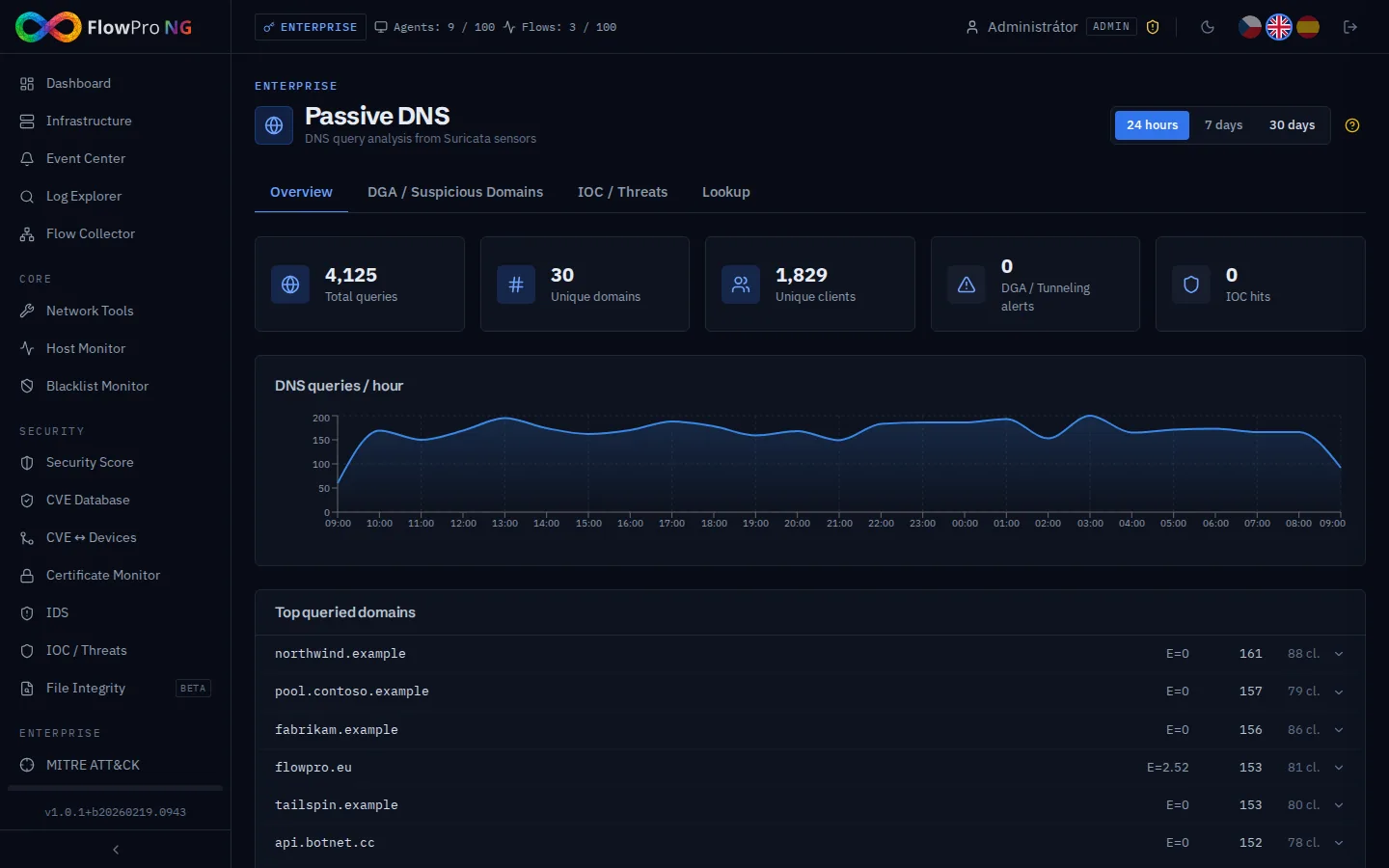
Passive DNS collects and stores all DNS queries observed on your network via Suricata IDS. It allows you to investigate which domains were resolved, by which IP addresses, and at what time — without active DNS lookups.
Required tier:Enterprise
Passive DNS data is sourced from Suricata DNS logs. Suricata IDS must be active and configured to log DNS events.
Key features
- •Search DNS history by domain name or IP address
- •View resolved IPs for any domain over time
- •Identify internal hosts that queried suspicious domains
- •Time-based filtering — investigate specific time windows
- •Export results for incident response
Typical use cases
| Scenario | How to use Passive DNS |
|---|---|
| Malware C2 investigation | Search for the C2 domain — find which internal IPs contacted it and when |
| Phishing domain analysis | Check if any internal host resolved the phishing domain before the alert was triggered |
| IP reputation check | Reverse lookup — find all domains that resolved to a suspicious IP |